
Chats & photos
Say hey.
Send a photo.
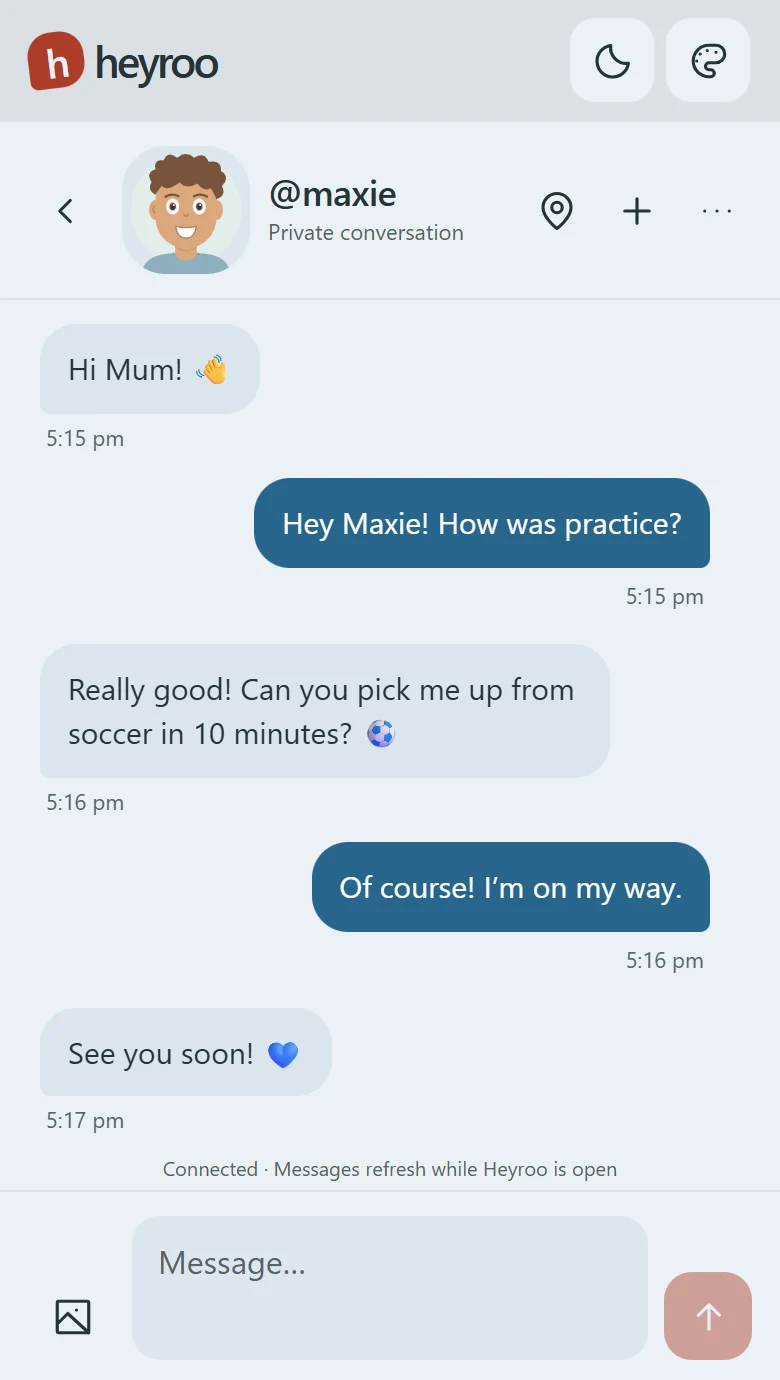
Chat one-to-one or start a group with accepted friends. Share a photo from your camera or gallery, and make the chat yours with a custom avatar.
Testing on Android and iPhone
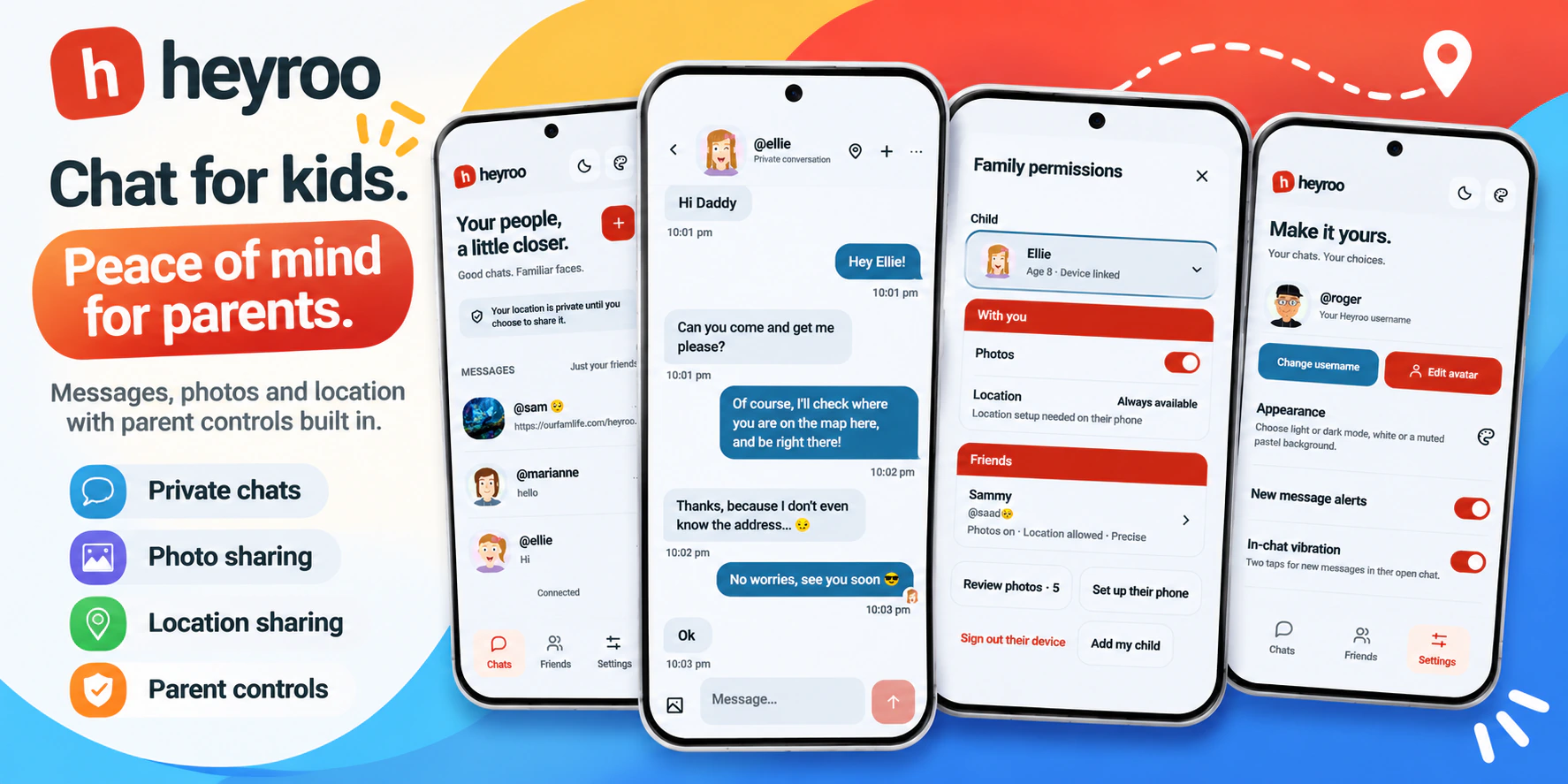
Send a message, share a photo or show someone where you are. Heyroo makes it easy to keep in touch with people you know, with parent controls built in.
This is an adults-only test, not a child-facing release. Google Play access is limited to invited testers.
Already have an account? Sign inInside Heyroo
From a quick hello to organising a lift home, Heyroo keeps the conversation in one place.
Chats & photos
Chat one-to-one or start a group with accepted friends. Share a photo from your camera or gallery, and make the chat yours with a custom avatar.
For parents
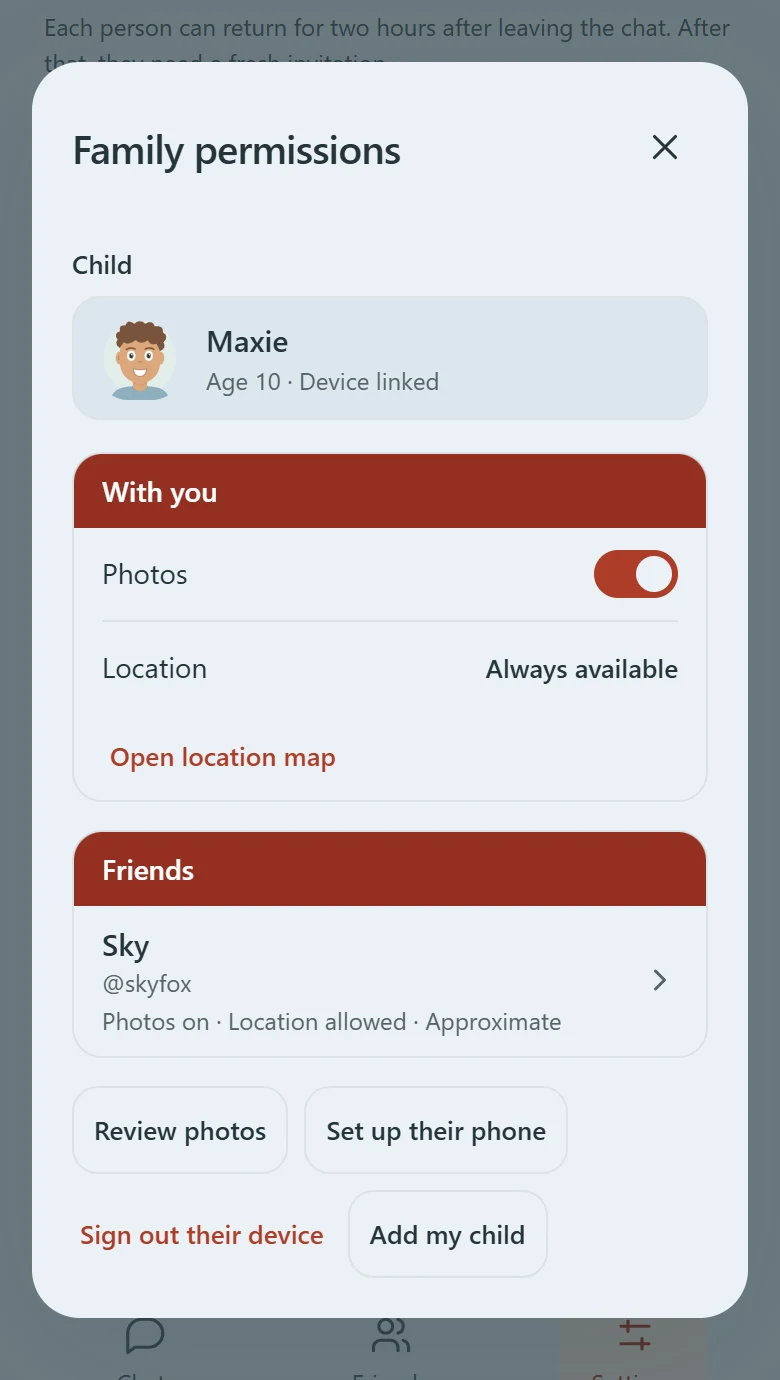
In approved family tests, linked parents can approve contacts, manage photo and friend-location permissions, and review photos sent or received by their child under 16.
Getting started
Invited Android testers can install or update Heyroo through Google Play.
On your Android device, use the Google account that was invited to the test.
Accept the test invitation, then choose Install or Update in Google Play. Already using Heyroo? Do not uninstall it first.
Sign in or create a separate adult Heyroo account if there’s room in the pilot. You don’t need an OurFamLife account or a second invitation code.
iPhone setup
Heyroo works on iPhone as a web app. There’s nothing to download from the App Store.
On your iPhone, open the link below in Safari. If you’re viewing this page inside another app, switch to Safari first.
Tap Share (or open Safari’s page menu and then tap Share). Scroll down and choose Add to Home Screen.
Turn on Open as Web App if shown, then tap Add. Tap the Heyroo icon on your Home Screen to open it and sign in.
Good to know
See the Heyroo Privacy Policy for how the app handles your information.
If your family has been separately approved, the parent creates the account first. On the child’s signed-out phone, choose Create account → I’m under 18, then scan the parent’s setup QR. Child signup is not open to the public.
Friends only get a location when you start a temporary share. Those updates run while Heyroo is open. For eligible linked children, a parent can request location when viewing the family map, if the device and Android permissions allow it. Parent access needs approval again at 16. Heyroo is not an emergency service.
Chats are not public and do not use end-to-end encryption. Heyroo doesn’t automatically save chat photos to the recipient’s gallery, but screenshots and other copies are possible. When parent review applies, a linked parent can review photos for seven days after removal.